

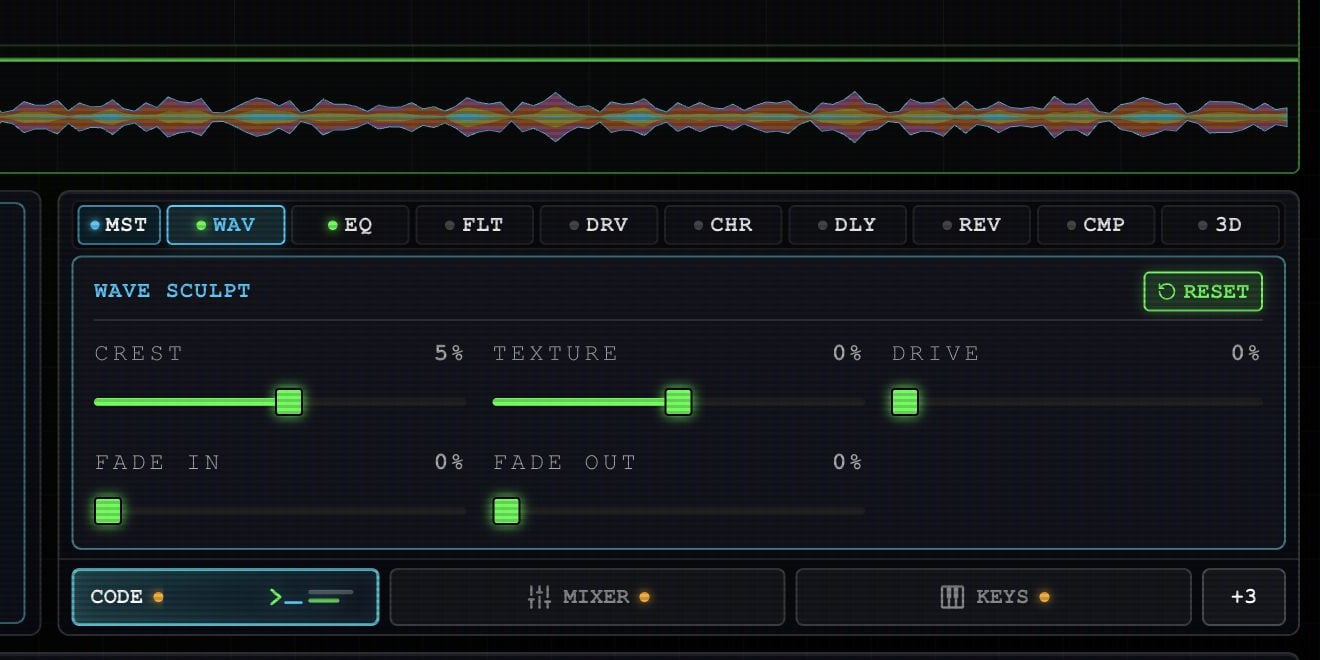
Example project in the current Rawchunks app.
Shape the audio
In Granular mode, drag vertically on a wave peak to change its shape. A horizontal mouse drag selects a time range; a held or vertical drag sculpts the wave. On a phone, dragging the wave sculpts it; use SECTION for range selection. In Smooth curve mode, drag the curve nodes to adjust a broader part of the clip. Fade handles at the upper corners change its entrance and ending. Clear a range selection if its handles get in the way.Use the controls
Listen while making small changes. Undo can return to a recent state; commit a snapshot before a larger experiment.