

- Focus the source lane, or Master. Select a range for a shorter passage.
- Open FOCUS and choose Full Band, Rhythm Section, Cinematic Orchestra, Electronic Production, or Acoustic Ensemble.
- Under ACTIVE TRACK CLASSES, add or remove the instrument groups you want.
- Describe the backing: “Brushed drums, upright bass and quiet piano behind the vocal,” for example. Open LYRICS if needed.
- Select ACCOMPANY and wait for the result. This operation uses Flexible mode.
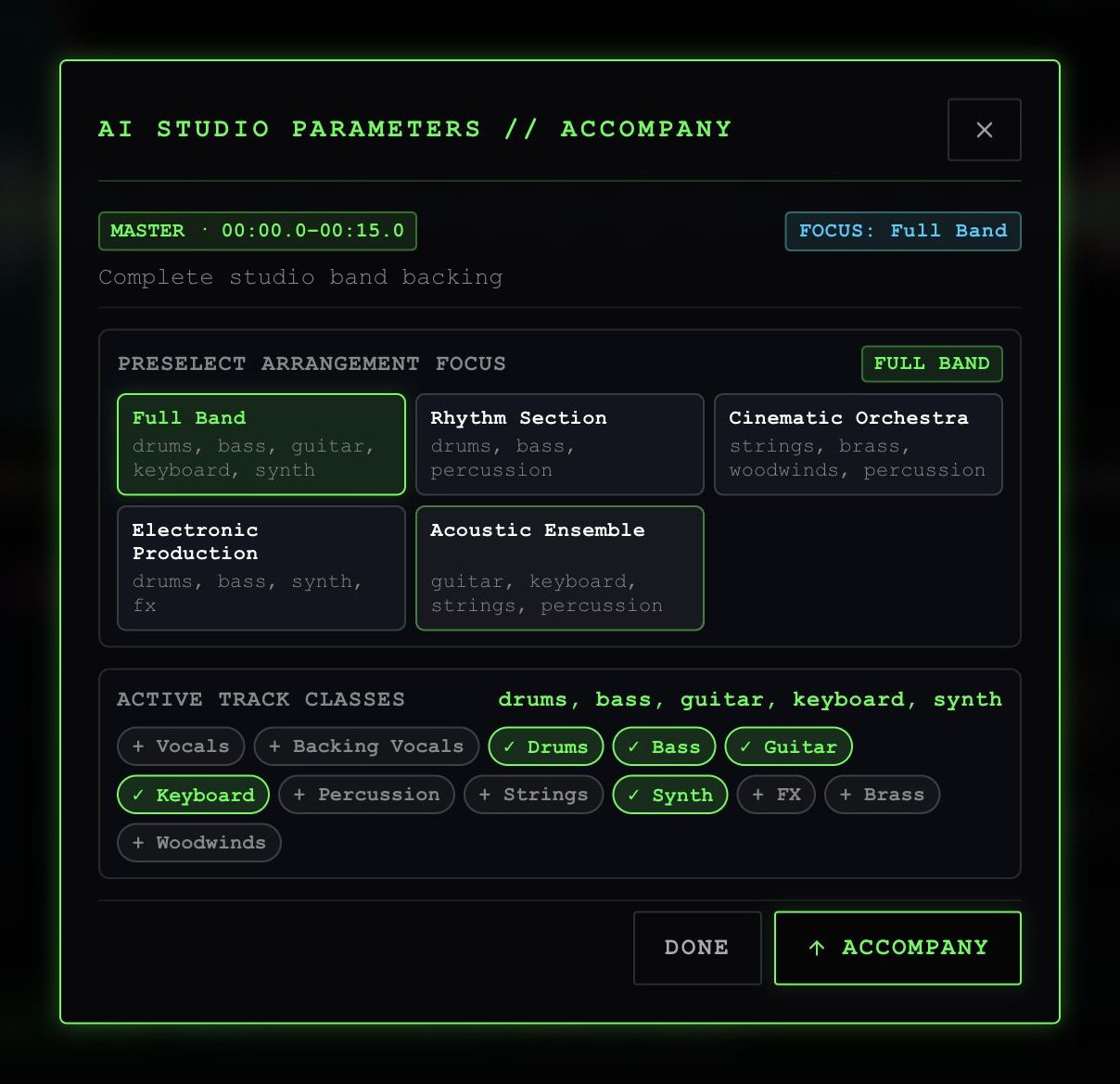
Example project in the current Rawchunks app.