

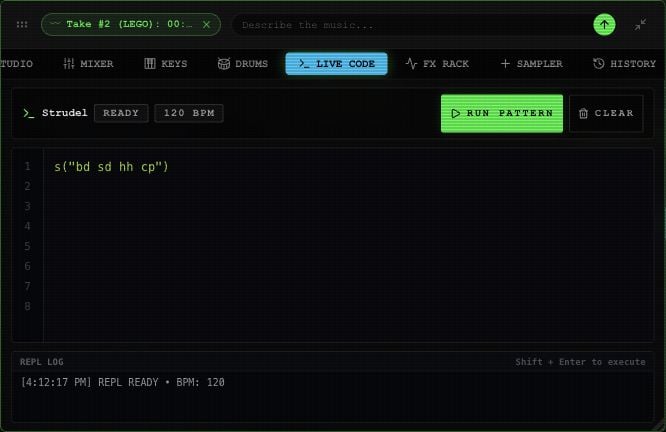
Live Code with an example pattern in the Rawchunks editor.
Supported pattern tools
You can separate expressions with commas, semicolons, or newlines. Other named sounds include cp/clap, tom, perc/rim, and crash/cymbal.
This panel supports a subset of Strudel-style notation. Full Strudel programs and arbitrary JavaScript aren’t supported. A successful console status doesn’t mean every modifier is supported. Keep patterns small and listen after changes; editing the text can update an already playing lane.