

Choose a song version
Related versions share a song card. Select a numbered version badge before playing or using the menu. Changing the active song’s version loads that version and pauses playback. Open ••• → EDIT to continue in the editor. An unminted version opens directly; editing a minted version creates an editable version based on it.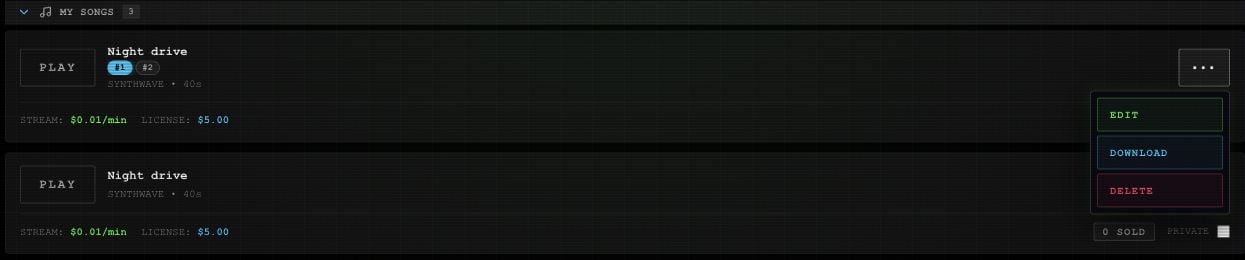
Example songs and versions, shown in My Page with the action menu open.
Download a song
Select the version, then ••• → DOWNLOAD. Complete any required mint, activation, or wallet prompts. Once the audio is fetched, your browser starts the download with a title-based WAV filename.The first download or publication of a song version can require a mint transaction. Review the wallet prompts before continuing. Making a listing private or deleting it later does not remove its onchain record or public metadata.