

Extend the ending
Open STUDIO → Extend. Set TARGET DURATION to the total length you want, not the number of seconds to add. To take a 40-second song to 90 seconds, choose 90s. The target must be longer than the current song. The control supports targets up to 300 seconds. Add continuation instructions in SOUND DESCRIPTION if needed, and set the optional Transition length control. Choose an available Flexible, Detailed, or Fast processing mode, then EXTEND.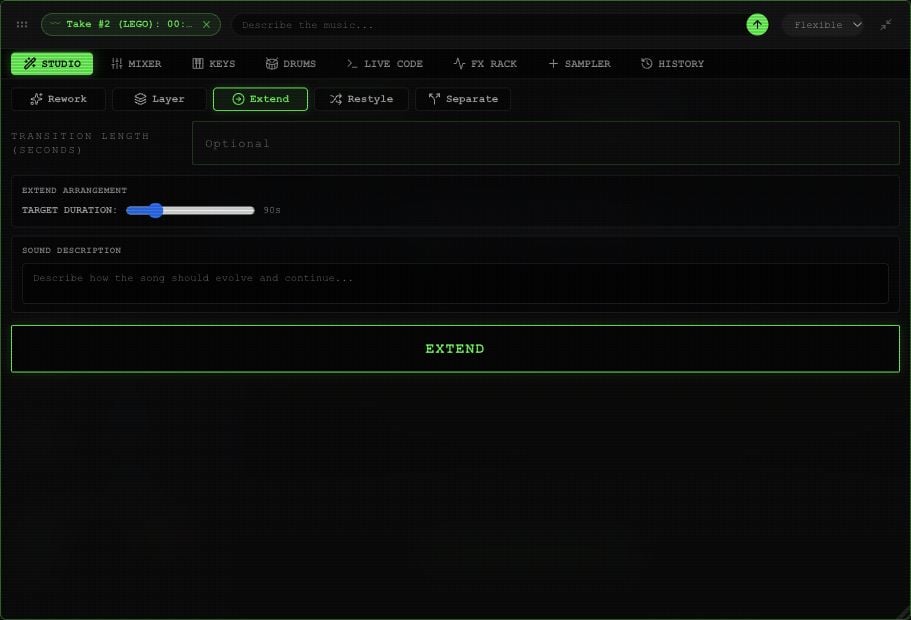
Extend controls in an example Rawchunks project.
Change the style
Open STUDIO → Restyle and describe the new sound in SOUND DESCRIPTION. For example: “Turn this into a slow acoustic arrangement with brushed drums.” SOURCE RESEMBLANCE runs from 0–100%, starting at 65%. Source detail offers a separate 0–1 adjustment. These guide the transformation; compare the completed audio to hear what they changed. Choose an available Flexible, Detailed, or Fast processing mode, then RESTYLE.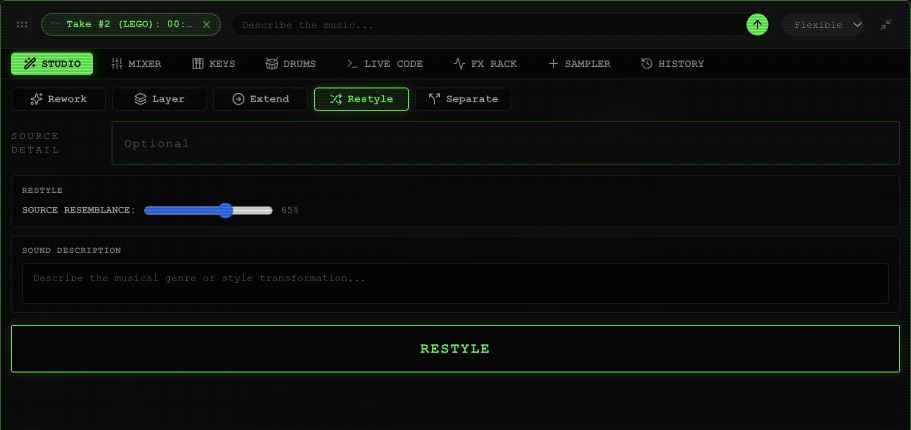
Restyle controls in an example Rawchunks project.